





You usually start hearing the word VPS when your website feels slow, or when the developer you hired says, "The app won't run on hosting, it needs a VPS." Then the next question comes up: what exactly is a VPS, and does your business actually need one?
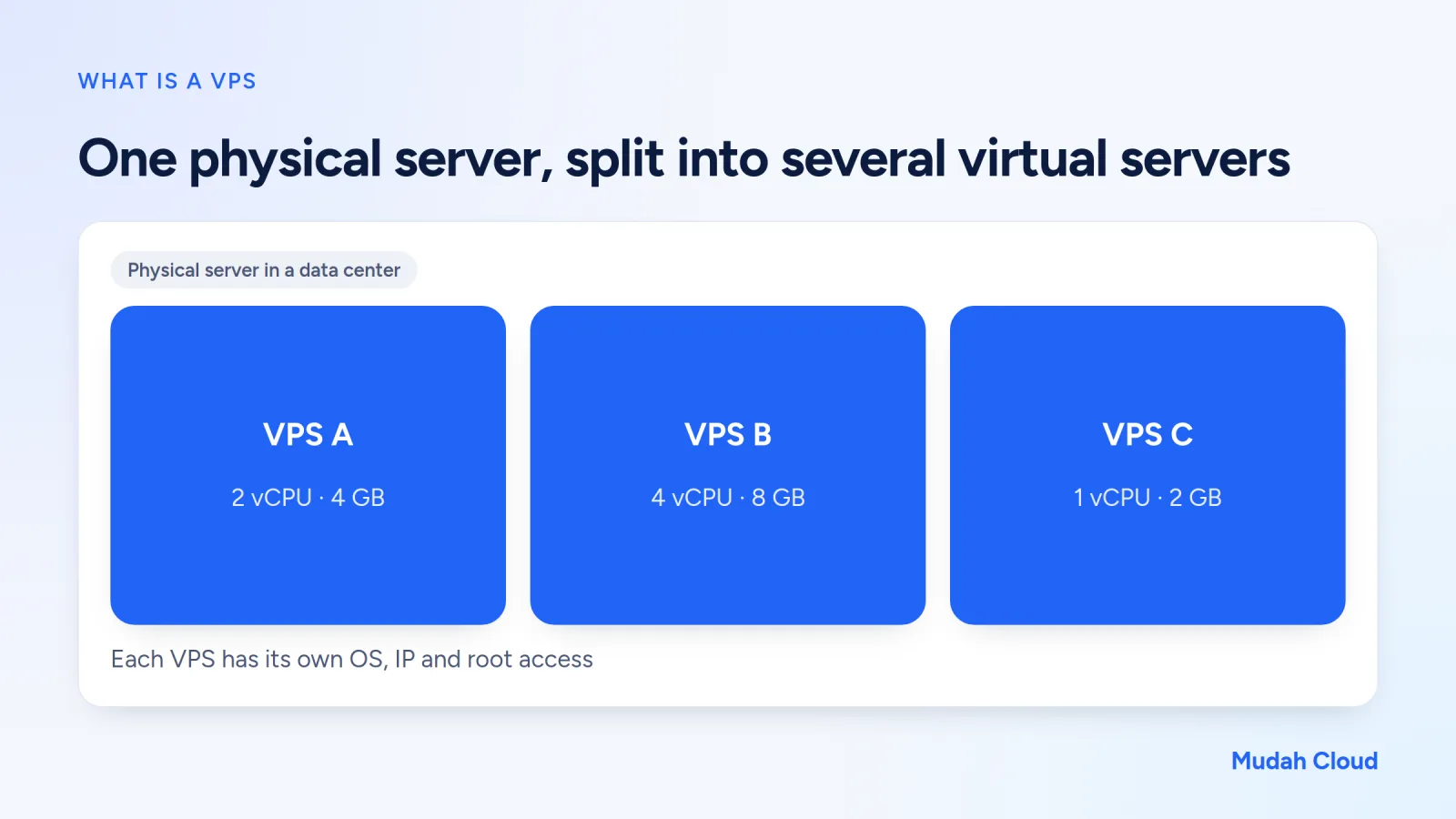
VPS stands for Virtual Private Server. One physical server in a data center is split into several virtual servers using virtualization technology. Each one has its own operating system, IP address, and its own share of CPU, RAM and disk. From the user's side, it feels like having your own server, even though the physical machine is shared.
How it differs from regular hosting and dedicated servers
To make it easier, picture a VPS sitting between two other options.
On one side there's hosting, where many websites share one server and the provider manages everything through a panel like cPanel. You can't change the system, but you don't have to maintain it either. The full explanation is in our article what is hosting.
On the other side there's a dedicated server, a whole physical machine just for you. You get all of its power, but it costs a lot more and usually only makes sense for heavy workloads.
A VPS sits in between. You get the freedom of your own server at a price that's still affordable for small and medium businesses. For a more detailed comparison, read VPS vs hosting.
How a VPS works, briefly
The physical server runs software called a hypervisor, KVM for example. The hypervisor divides the machine's power among several VPSs and makes sure one VPS can't peek into or interfere with another.
When you rent a VPS with 2 vCPUs and 4 GB of RAM, those numbers are your allocation. The programs you run use that allocation. You log in over SSH (for Linux) or Remote Desktop (for Windows) and set everything up yourself: web server, database, firewall and applications.
It also means a freshly created VPS is empty. No ready-made panel, no automatic email, no backups unless you set them up.
What businesses use a VPS for
So what usually runs on a VPS? A few common examples:
- Web apps built on Node.js, Python (Django, FastAPI), Go, or Laravel with special requirements.
- Internal systems like a warehouse app, attendance tracker or small ERP used across several branches.
- Bots and workers that need to stay on all the time, such as a Telegram bot for customer service.
- Docker containers running several services at once.
- An office VPN server or a simple file server.
- Windows desktop apps that several employees need to reach remotely, through a Windows VPS.
A typical real-world case: a grocery distributor in Medan has a stock app built by a local developer. The app needs PostgreSQL and Redis, plus a process that syncs data every five minutes. On regular hosting, that combination is hard or impossible. On a 2 vCPU VPS, it all runs comfortably.
When does a business really need a VPS?
Plenty of people move to a VPS too early because it feels "more professional". For a regular WordPress site, though, good hosting is often faster and safer, because it's maintained by people who look after servers every day.
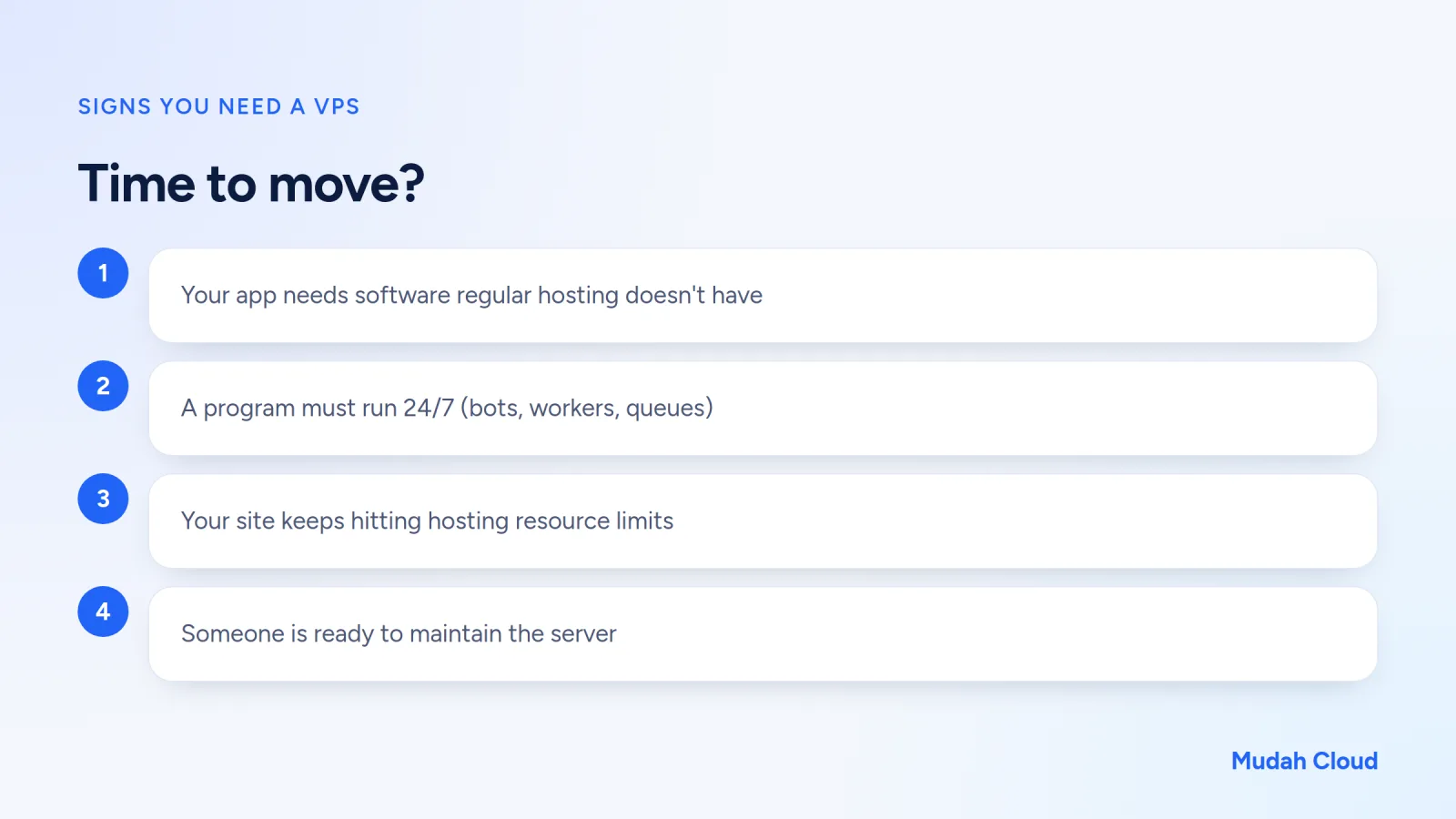
Consider a VPS if some of these apply:
- Your app needs software or versions that aren't available on hosting.
- Some process has to run all the time, not only when visitors show up.
- Your website is already optimized (caching, compressed images, plugins cleaned up) but still keeps hitting resource limits.
- You need full control, for example for specific firewall rules or a custom server configuration.
- Someone is ready to maintain it: system updates, watching disk space and making backups.
That fifth point is the one people forget most. The hard part isn't the initial setup. It's three months later, when the disk fills up with logs and nobody notices.
What to look for when choosing a VPS
Server location
If most of your app's users are in Indonesia, a server in Jakarta gives you low latency. For users abroad, pick a location close to them.
Disk type and network
SSD is standard now. NVMe is faster still for heavy database workloads. Also check the port speed and traffic quota.
Operating system
Linux (Ubuntu, Debian, AlmaLinux) suits most web apps. You need Windows Server if your app only runs on Windows, and that usually comes with a license fee.
Management panel
Check what you can do yourself without opening a ticket. Rebooting the server, opening a console when SSH is unreachable, and reinstalling the OS are basic features that help a lot when something goes wrong.
Common misconceptions
"A VPS is always faster than hosting." Not necessarily. A 1 vCPU VPS with default settings can lose to well-tuned LiteSpeed hosting. Speed depends on resources and how the server is configured, not on the VPS label.
"With a VPS, my website is automatically secure." Quite the opposite if nobody maintains it. An SSH port left open with a weak password will get brute-forced by bots within hours of the server going live. Use SSH key login, turn on a firewall and update regularly.
"Unlimited bandwidth means no limit at all." It usually means traffic isn't counted against a quota, but the port speed still has a ceiling. For most business websites and apps, that's more than enough.
"Once I'm on a VPS, I don't need backups because the server is mine." This is the most dangerous one. Disks fail, commands get mistyped and apps break. Keep backups somewhere else, not on the same VPS.
VPS options at Mudah Cloud
Mudah Cloud offers several VPS platforms in one account, with a single invoice in rupiah and local support:
| Platform | Location or infrastructure | Notes |
|---|---|---|
| Mudah Cloud VPS | Jakarta (Tier 3 data center) | SSD, unlimited bandwidth, dedicated IPv4, 10 Gbps port |
| Tencent Cloud Lighthouse | Jakarta, Singapore, other Asian regions | Paid in rupiah |
| Leaseweb | Asia, Europe, Americas | NVMe, 10 Gbps port, 30 TB traffic, annual contract |
| Windows VPS | Tencent Cloud | Windows Server, license included, RDP access |
From the Mudah Cloud VPS panel you can power the server on and off, open a console, reinstall the OS, and change the hostname and reverse DNS on certain VPSs.
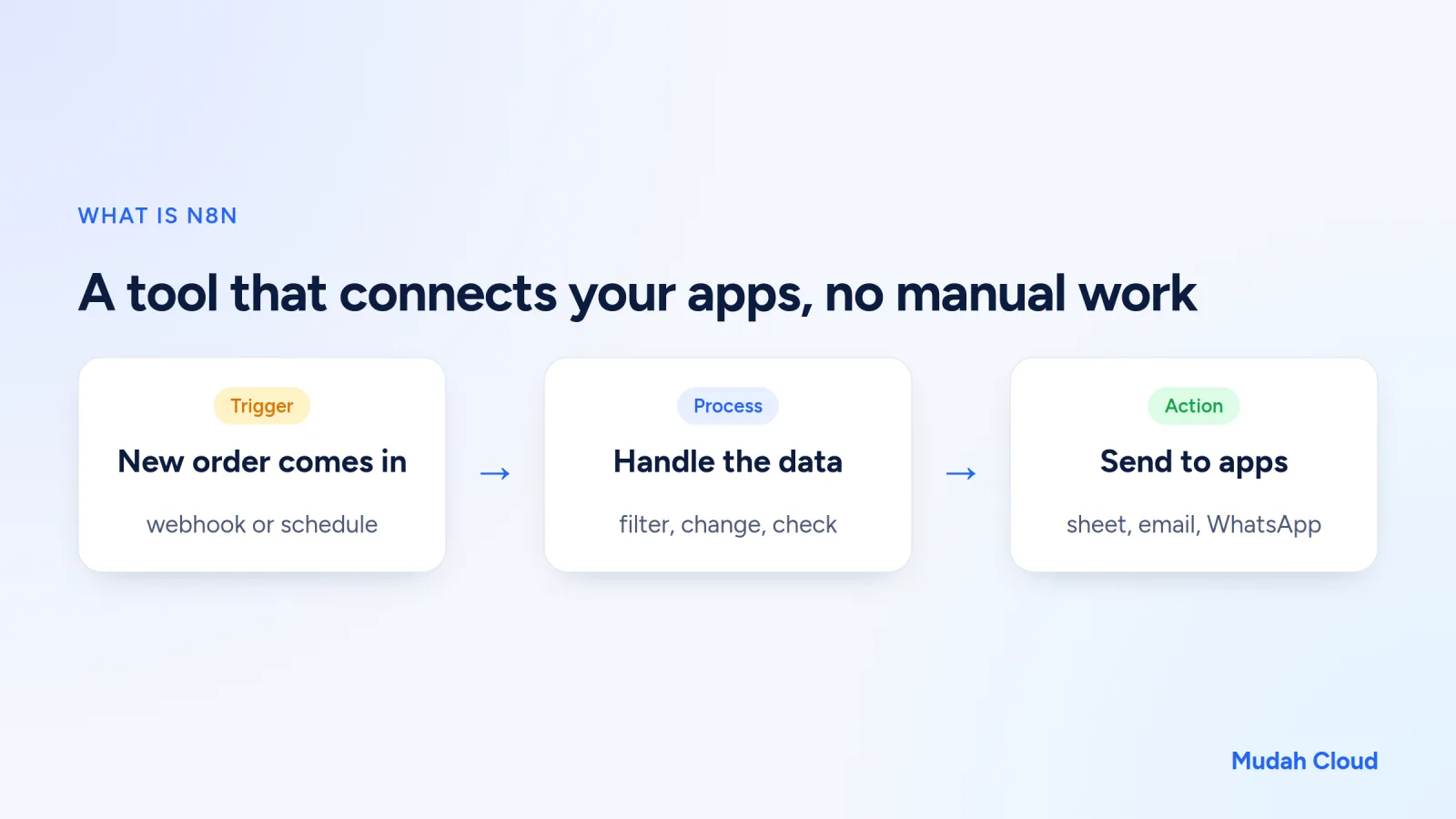
If all you need is a single app like n8n, you don't have to rent a VPS and install it yourself. Read what is n8n first for an overview, then take a look at Cloud Container, where the team installs the app and keeps it running.
Checklist before renting a VPS
- Do you know which app you'll run and its minimum requirements?
- Where are your main users? Pick a server location close to them.
- Who will set up and maintain the server?
- What's the backup plan?
- Where will your business email live? For that, separate email hosting is usually more practical than building your own mail server.
If you've answered all of the above, you're ready. For a server with low latency to Indonesian users, see VPS Jakarta. To compare every platform at once, including Windows VPS, open the VPS page.
Comments
No comments yet. Be the first to ask or share your experience.