






Count how many times a month you match the cash drawer against your notebook and the numbers don't add up. For a coffee shop in Malang running two shifts, being Rp30,000 short a day already comes to almost a million rupiah a month, and you never know whether it was a miscount, a missed entry or something else. That's the point where a POS app for your small business stops being a nice-to-have and starts being necessary.
The trouble is, there are lots of apps out there and they all claim to do everything. The list below helps you separate the features you'll really use every day from the ones that only look good in a brochure.
The must-have features
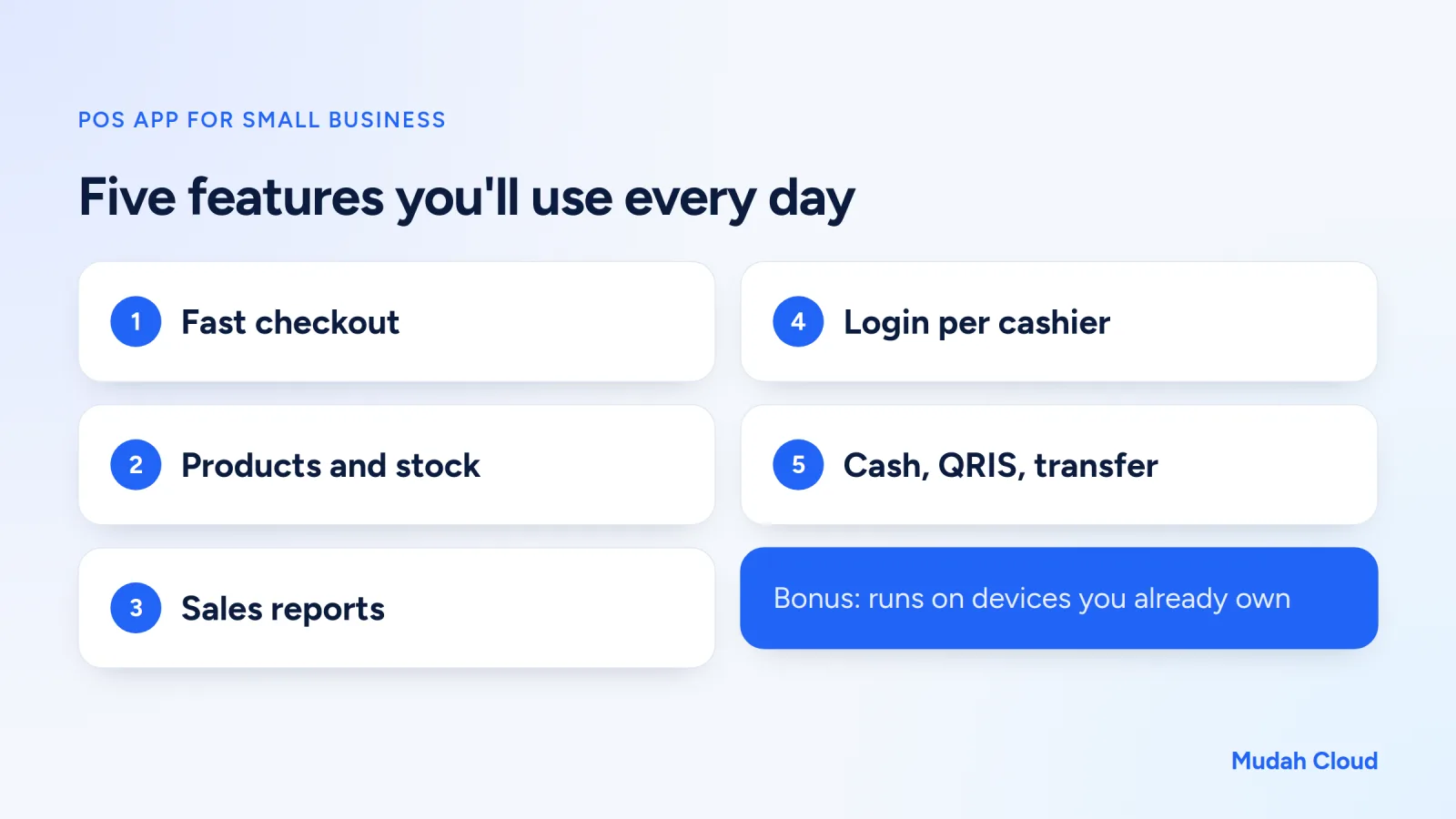
1. Fast checkout at peak hours
The test is simple: how many taps does it take from the customer placing an order to the receipt printing? With a lunchtime queue, five seconds per transaction makes a real difference.
What to check: searching for a product by typing a few letters, categories you can arrange yourself, easy quantity entry and automatic change calculation. If you sell lots of packaged goods, barcode scanner support is worth considering too.
2. Product list and stock
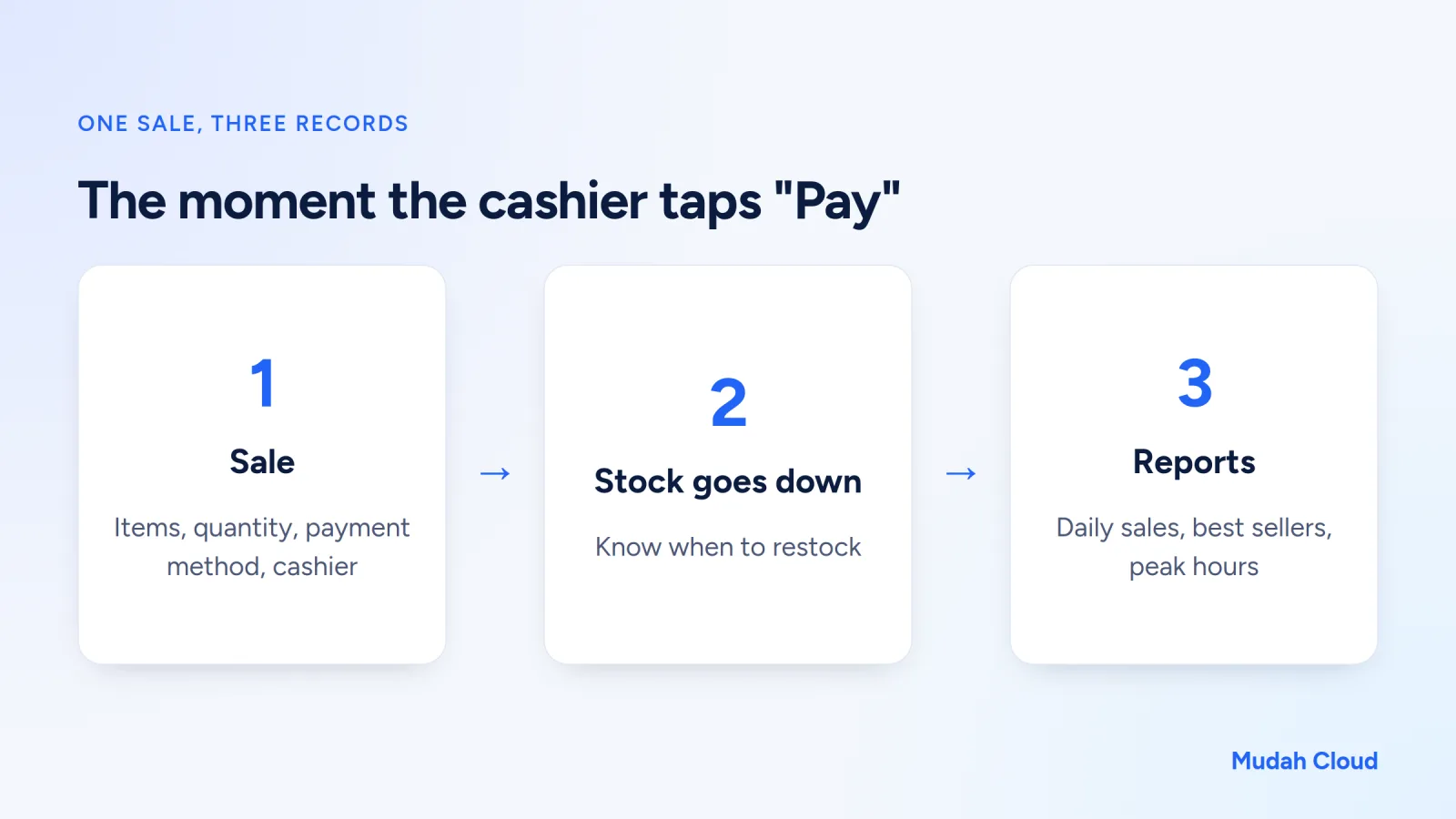
Every sale should reduce stock automatically. That way you know when to restock without counting the shelves one by one.
For a hardware store or a toko kelontong (neighborhood grocery), this is the most valuable feature. For a food business, ingredient stock is usually trickier because one menu item uses several ingredients. Ask first whether the app tracks stock only for finished products or all the way down to raw ingredients, and pick what fits your needs.
3. Sales reports that are easy to read
Daily, weekly and monthly reports are the main reason people move away from paper. At a minimum, you should be able to see revenue per day, best-selling products and the busiest hours.
These reports are where small decisions with real impact come from. A bakery owner who sees that white bread always sells out before 10 a.m. can bake more in the morning instead of guessing.
4. A separate login for each cashier
This feature is often underrated, yet it does the most to solve the cash drawer problem from earlier. If every cashier logs in with their own account, every transaction is recorded under a name. Voided sales and discounts can be traced too.
It isn't about distrusting your staff. Clear records actually protect honest cashiers from being blamed.
For a business with two shifts, a helpful habit is to count the drawer at every shift change and match it against that cashier's sales report. If something's off, you know which shift to look at, and you can talk it through the same day, not at the end of the month when everyone has forgotten.
5. Every payment method your customers use
Customers now pay with cash, QRIS (Indonesia's standard QR payment), bank transfer or debit card. A good POS app records the payment method for each transaction, so at closing time you know how much should be in the drawer and how much went to your bank account.
Features people forget to check
Which devices does it run on?
Some apps only run on specific tablets, some are installed on a cashier computer, and some open in a browser. Browser-based ones are usually the most flexible: on the cashier laptop today, checked from your phone tomorrow while you're shopping at the market.
Think about supporting hardware like a receipt printer too. 58 mm and 80 mm thermal printers are the most common. Make sure the app can print to the printer you already own before buying a new one.
Where is the data stored?
If the data lives on a single tablet and that tablet breaks or goes missing, months of sales history go with it. An app that stores data on a server keeps it safe even when you change devices. Also ask whether you can export the data, so you aren't locked in if you ever want to switch apps.
What if the internet goes down?
This is a must-ask for any server or browser-based app. Have a backup connection ready, such as tethering from a phone, and ask the provider what happens if the connection drops in the middle of a sale. In places where the signal often drops out, this can be the deciding factor.
Who maintains it?
An app you install on your own server gives you full control, but you're also the one handling updates, backups and technical problems. For a business owner whose time goes into the shop, a service maintained by the provider is usually more realistic.
POS apps and selling online
Many small businesses now sell in two places: a physical shop and online. If you're also planning an online store, read how to build an online store for a small business so the product catalog in your shop and on your website don't clash.
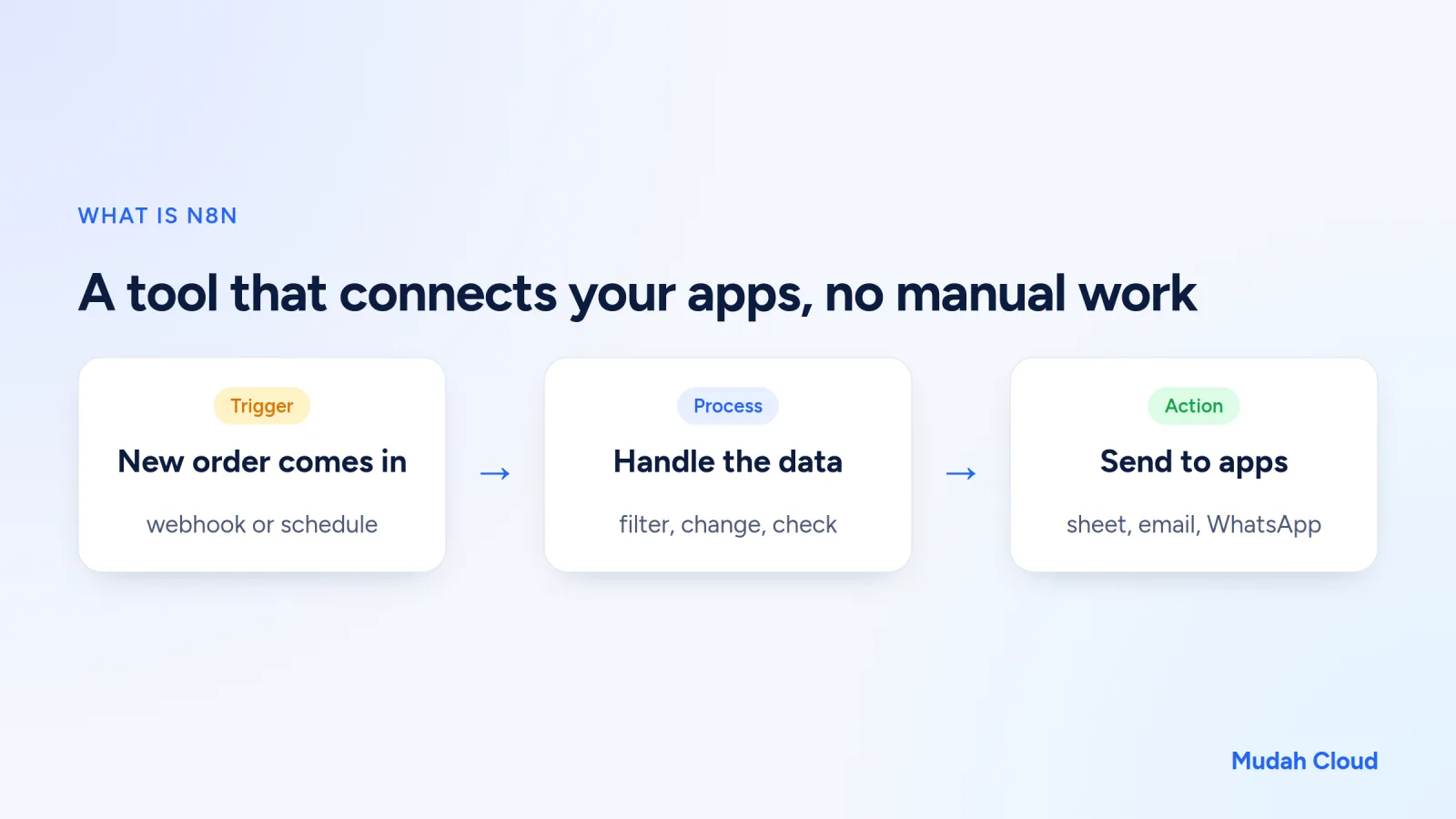
Some owners also want WhatsApp orders logged neatly, or a daily report sent automatically to the owners' group. You can do this with an automation tool like n8n. There are example workflows in what is n8n, and the options for connecting WhatsApp are covered in what is WhatsApp API.
The Mudah Cloud POS app
If you want a POS app on your own domain without dealing with servers, the Mudah Cloud POS App is one option. It runs on a server and opens in a browser on a computer, tablet or phone. The core features cover sales at the register, a product and stock list, sales reports, and a login for each cashier.
Our team sets it up and maintains it after payment, on your own domain. If you need something changed, just send a ticket. If you need an online store as well, there's the online store website package with a product catalog, cart and admin page. How to pay the invoice, including by bank transfer, is explained in the guide to paying an invoice.
Before you decide, match the features against your list of needs below. More specific details, such as printer models or particular payment methods, are best asked directly through the contact page.
What's a reasonable cost?
Pricing models vary: a monthly subscription per outlet, a one-off fee, or free with limited features. Factor in supporting costs like a receipt printer, a cash drawer and an internet connection.
A simple rule of thumb: compare the monthly cost with the cash shortfalls or recap time you lose each month. If manual recaps eat up two hours every night, the value of that time alone is significant. For a sense of the cost if you're building a website at the same time, see how much a website costs.
Checklist before choosing a POS app
- A sale can be finished in a few taps, even with a busy queue.
- Stock goes down automatically with every sale.
- Daily and monthly reports are readable without reworking them in Excel.
- Each cashier has their own login, and voided transactions are recorded.
- It runs on devices you already own.
- Data is stored on a server and can be exported.
- There's a backup plan for when the internet goes down.
- It's clear who handles updates and technical problems.
If most of the boxes are ticked, the app is worth trying for a week or two during normal opening hours. You can see the full feature list on the Mudah Cloud POS App page.
Comments
No comments yet. Be the first to ask or share your experience.