






Once orders pick up, replying to WhatsApp messages one by one from your phone gets heavy. One customer asks about their order status, another wants your bank account number, someone else just wants to know your opening hours. Eventually you start wondering: can WhatsApp messages be sent automatically from a system? They can, and the term you'll run into is WhatsApp API.
A WhatsApp API is an interface that lets an application or server send and receive WhatsApp messages without anyone typing on a phone. A POS system can send receipts, an online store can share tracking numbers, and a chatbot can answer the same questions over and over. The catch is that there are two very different routes to get there, and many people only realise the difference after picking the wrong one.
Three things people mix up
Before getting to the API, separate these three products.
Regular WhatsApp and the WhatsApp Business App are phone apps. The Business version adds a business profile, catalogue, labels and quick replies. It's free, but everything is still done by hand by a person.
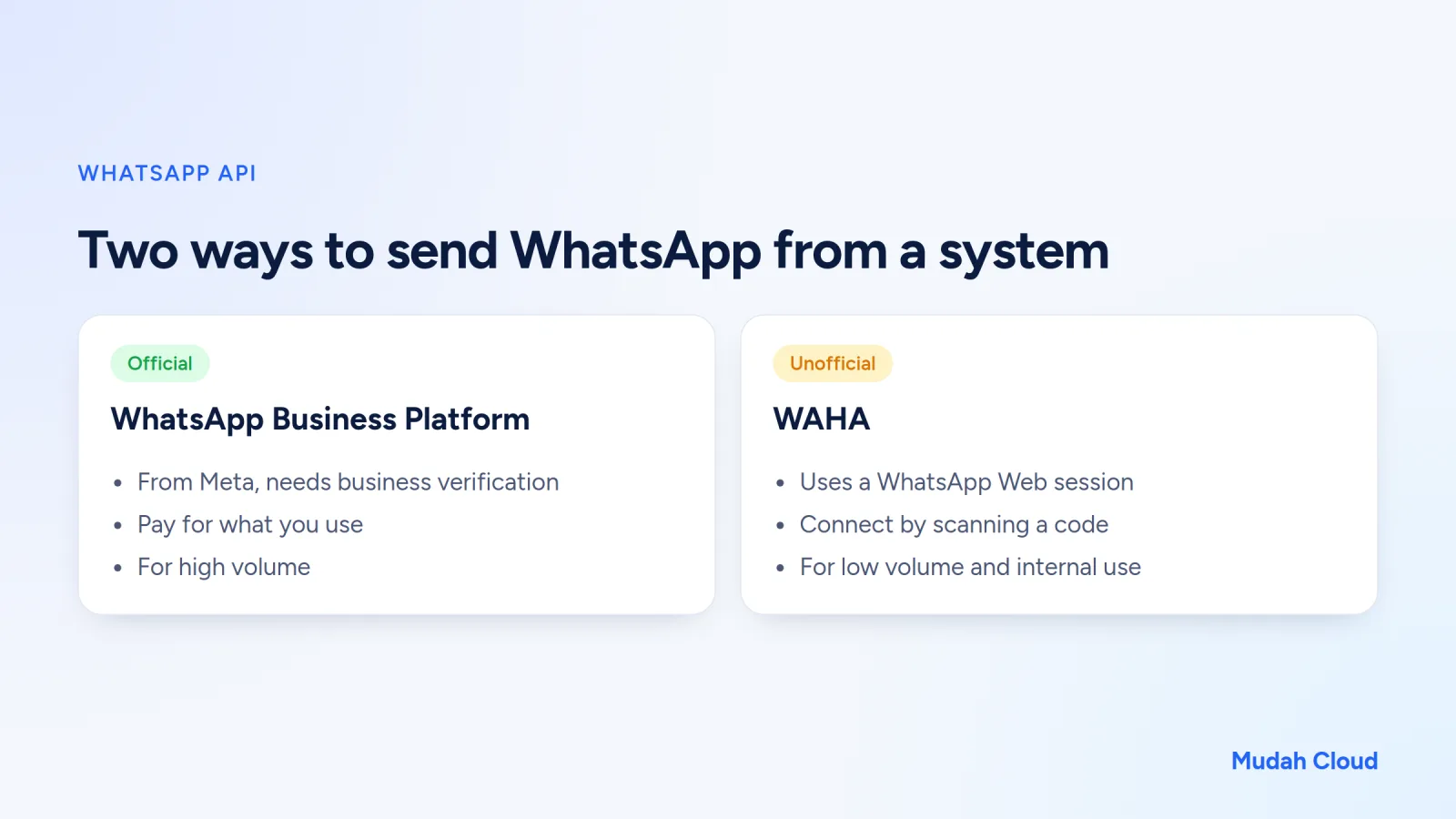
The WhatsApp Business Platform is Meta's official API. It's the route banks, marketplaces and logistics companies use to send notifications in large numbers.
WAHA (WhatsApp HTTP API) is software that runs a WhatsApp Web session on a server and exposes it over HTTP. A regular WhatsApp number is connected by scanning a code, exactly like opening WhatsApp Web on your laptop.
The official route: WhatsApp Business Platform
The official API is run by Meta. To use it, your business has to pass verification, set up a dedicated number and follow the messaging rules.
A few things you should know:
- Messages you send to a customer first have to use templates approved by Meta. Templates are grouped into categories, such as marketing, utility (like order notifications) and authentication (like OTP codes).
- If the customer contacts you first, you can reply freely within a 24-hour window from their last message.
- It's paid by usage, with prices set by Meta according to message category. The pricing rules have been updated several times, so always check the latest rate table from Meta or one of its official partners.
- Because it's the official route, the risk of your number being blocked is much lower, as long as you don't break Meta's policies.
This route suits high volume, critical notifications like OTPs, and businesses that need long-term certainty. The downside is a longer setup process and a cost for every message.
The unofficial route: WAHA
WAHA works differently. It runs WhatsApp Web on a server, then provides an HTTP address for sending messages and a webhook for receiving incoming ones. From WhatsApp's side, the server looks like a device linked to your number.
The advantages are obvious. No business verification, no templates to get approved, and you can start right away with the number you already have. For a small business that wants to try automation, the barrier is very low.
But there's a risk you have to accept knowingly. Because it uses a WhatsApp Web session rather than the official API, this method isn't supported by Meta. A number used to send bulk messages to people who never contacted you can be restricted or banned. The ones who get hit are usually people using WAHA to blast promotions to thousands of numbers at once.
Use WAHA for reasonable things: replying to customers who message you first, notifications to your internal team, or reminders to customers who have actually bought from you.
Quick comparison
| WhatsApp Business Platform | WAHA | |
|---|---|---|
| Status | Official, from Meta | Unofficial, uses a WhatsApp Web session |
| How you connect | Business verification and number registration | Scan a code from your phone |
| Message cost | Paid by message category | No per-message fee, just server cost |
| Templates | Required for messages you start | None |
| Ban risk | Low if you follow the rules | Higher, especially for bulk messages |
| Good for | High volume, OTP, critical notifications | Low volume, internal use, auto-replies |
Example: using WAHA with n8n
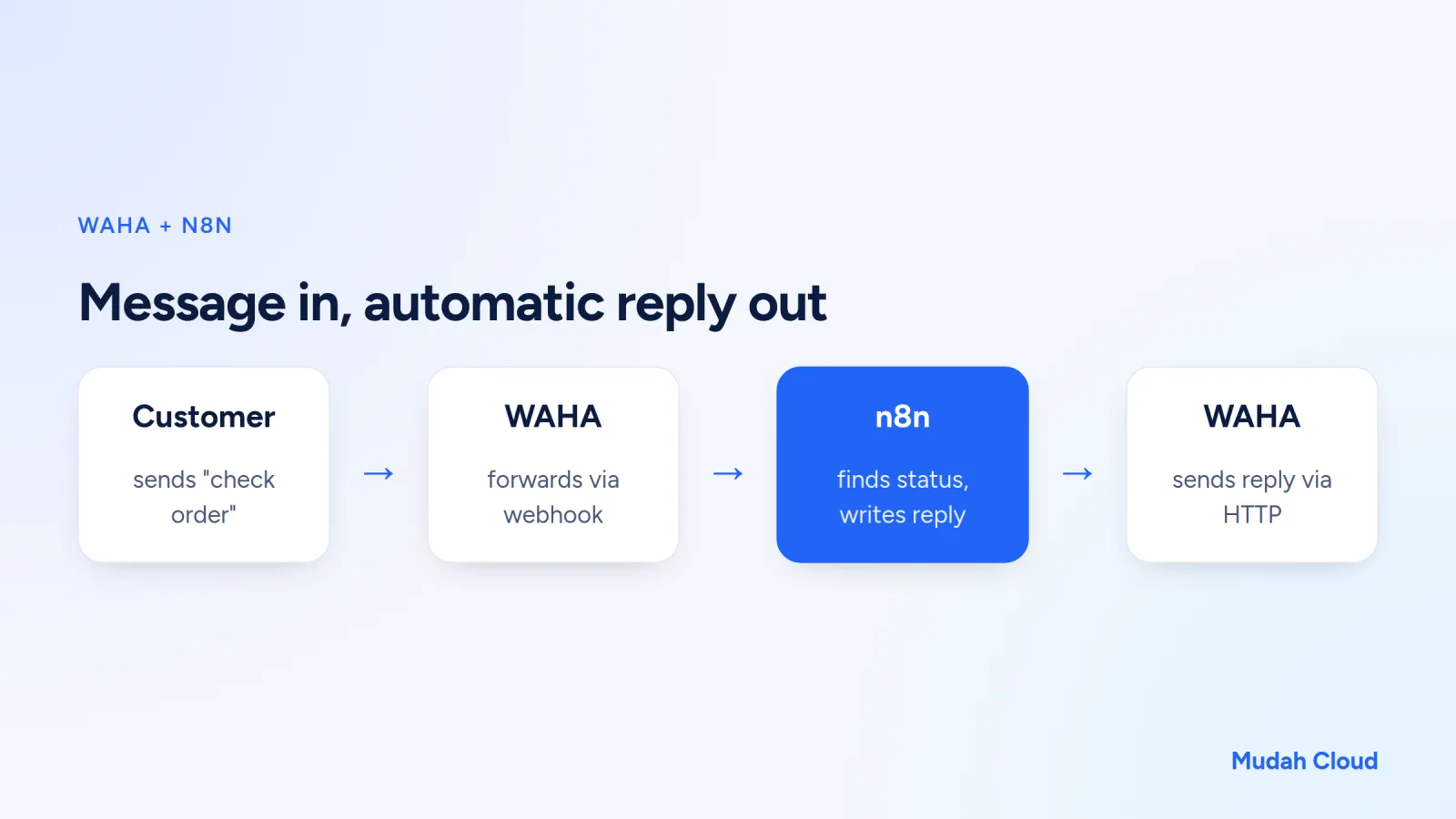
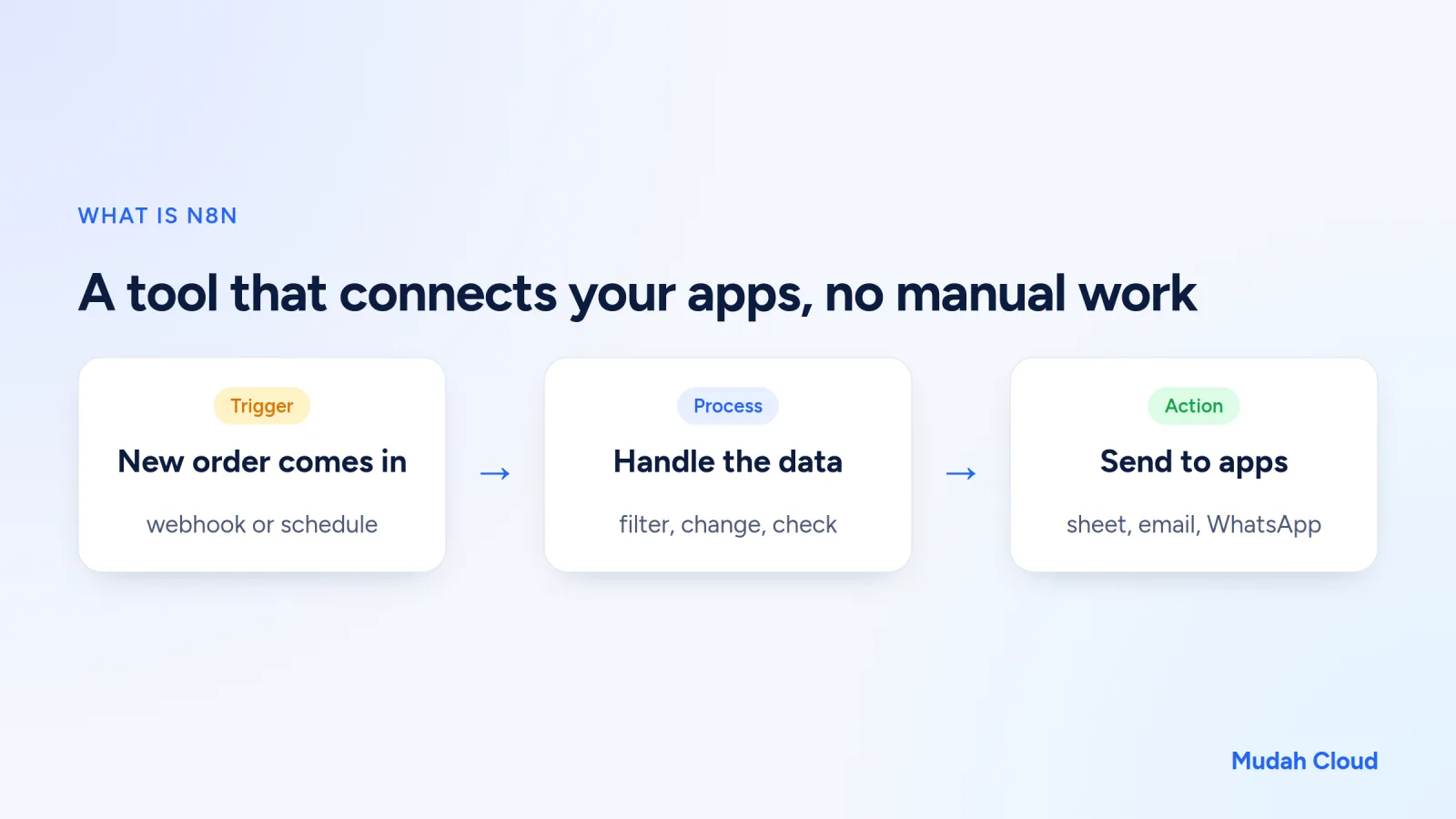
WAHA really pays off when you combine it with an automation tool like n8n. The flow goes roughly like this:
- A customer sends the message "check order 1042".
- WAHA forwards the message to an n8n webhook.
- n8n looks up the order number in Google Sheets or the shop's database.
- n8n writes a reply, then calls WAHA over HTTP to send it.
Another example: a laundry service in Yogyakarta can send "your laundry is ready for pickup" every time the status in a spreadsheet changes. These customers have already done business with the shop, so the message is expected and welcome.
If you want more flexible replies, n8n can ask an AI model to write an answer based on your shop's data. How to do that is explained in our article on how to use AI APIs. To understand n8n from the ground up, read what is n8n.
Where do you run WAHA?
WAHA has to stay on all the time. If the server goes down, incoming messages aren't forwarded and automatic messages don't go out. You can install it yourself on a VPS with Docker, or use a managed version.
With the Mudah Cloud WAHA Cloud Container, WAHA is installed and kept running by the team, with its own resources. You just scan a code to connect your number, then set up the webhook. n8n is available on the same service, so the two are easy to connect.
If you'd rather manage a server yourself, understand what that involves first in our article on what a VPS is.
Tips to keep your number safe
- Use a dedicated number for automation, not the owner's personal number.
- Only message people who have contacted you or bought from you.
- Space out your messages. Don't send hundreds in a single minute.
- Offer a way to opt out, for example "reply STOP if you don't want reminders".
- Have a plan to move to the official API if your volume keeps growing.
Frequently asked questions
Can a number connected to WAHA still be used on a phone?
Yes. WAHA connects as a linked device, just like WhatsApp Web. The phone stays the main device. But remember that WhatsApp will disconnect linked devices if the main phone is inactive for a long time, so make sure that phone stays on and connects to the internet now and then.
Can it be used with a WhatsApp Business App number?
Yes, because it works the same way as linking WhatsApp Web. The business profile, catalogue and labels you already have in the app stay on the phone.
Do messages from WAHA look different to the customer?
No. Customers receive a normal message from your number, with no special marker. That's also why you should make sure your automatic replies sound natural and don't arrive in a flood.
So, when should you use which?
Choose the official API if:
- You send thousands of messages a day or critical notifications such as OTPs.
- Your business needs certainty and can't afford to lose its number.
- You're ready to go through verification and pay message fees under Meta's rules.
Choose WAHA if:
- Your message volume is still low to moderate.
- Most messages are replies to customers who contacted you first, or internal notifications.
- You want to try automation quickly without a registration process.
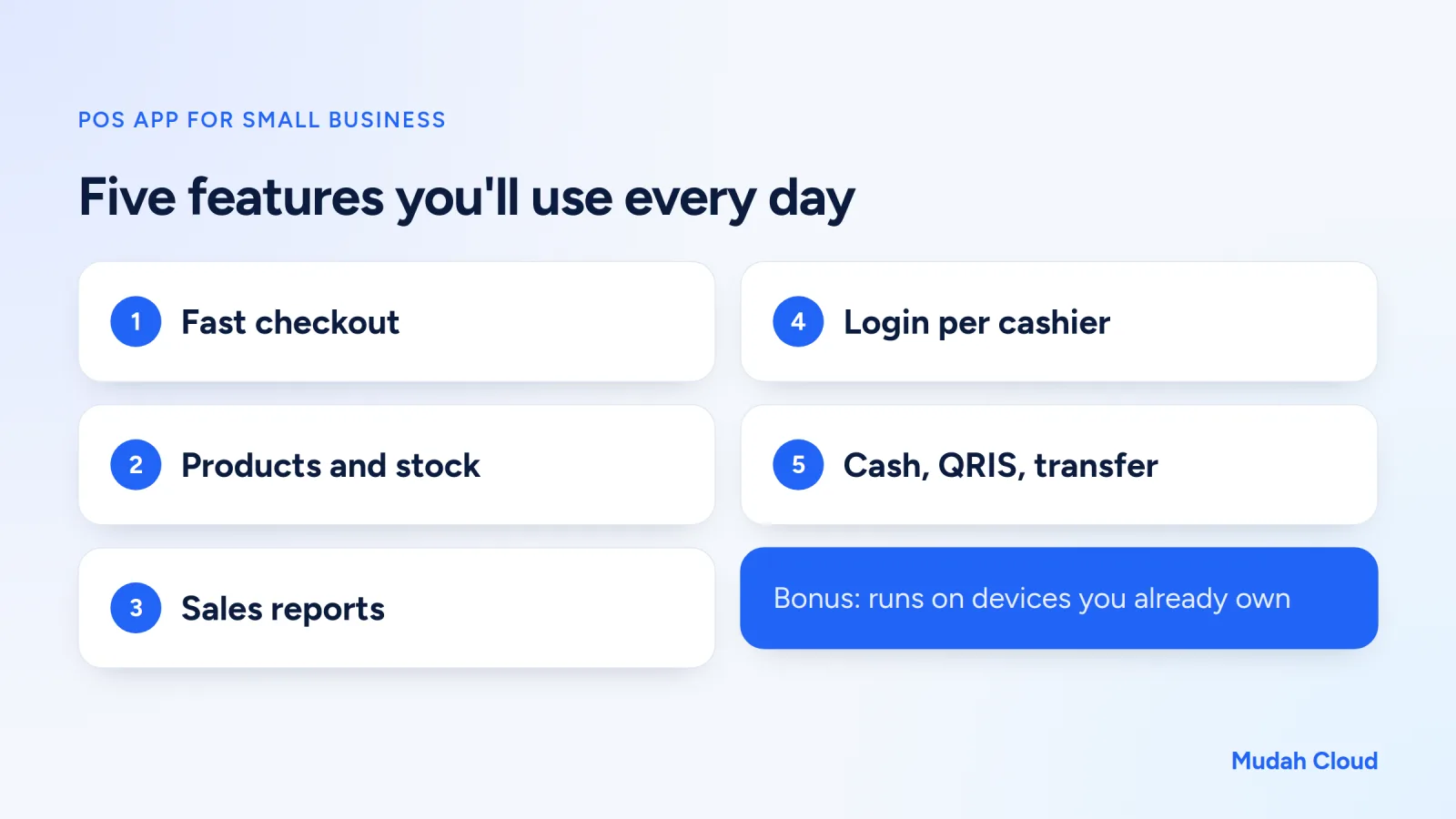
Many businesses start with WAHA to prove the automation is useful, then move to the official route once they've grown. That's a sensible order. If your POS app or online store is about to start sending notifications, also take a look at POS app features for small businesses.
To start experimenting, see the WAHA Cloud Container plans, or browse other apps on the Cloud Container page.
Comments
No comments yet. Be the first to ask or share your experience.